Marketplace
Prepare car photos for Facebook Marketplace
Facebook Marketplace is a fast-scrolling place to compare listings, so a clear exterior image matters. AutoShot helps you prepare lot photos with a consistent studio-style background before you make a listing. It does not publish to Facebook Marketplace, choose your listing image, or guarantee how Facebook will display or crop a photo.
Try 10 car photos free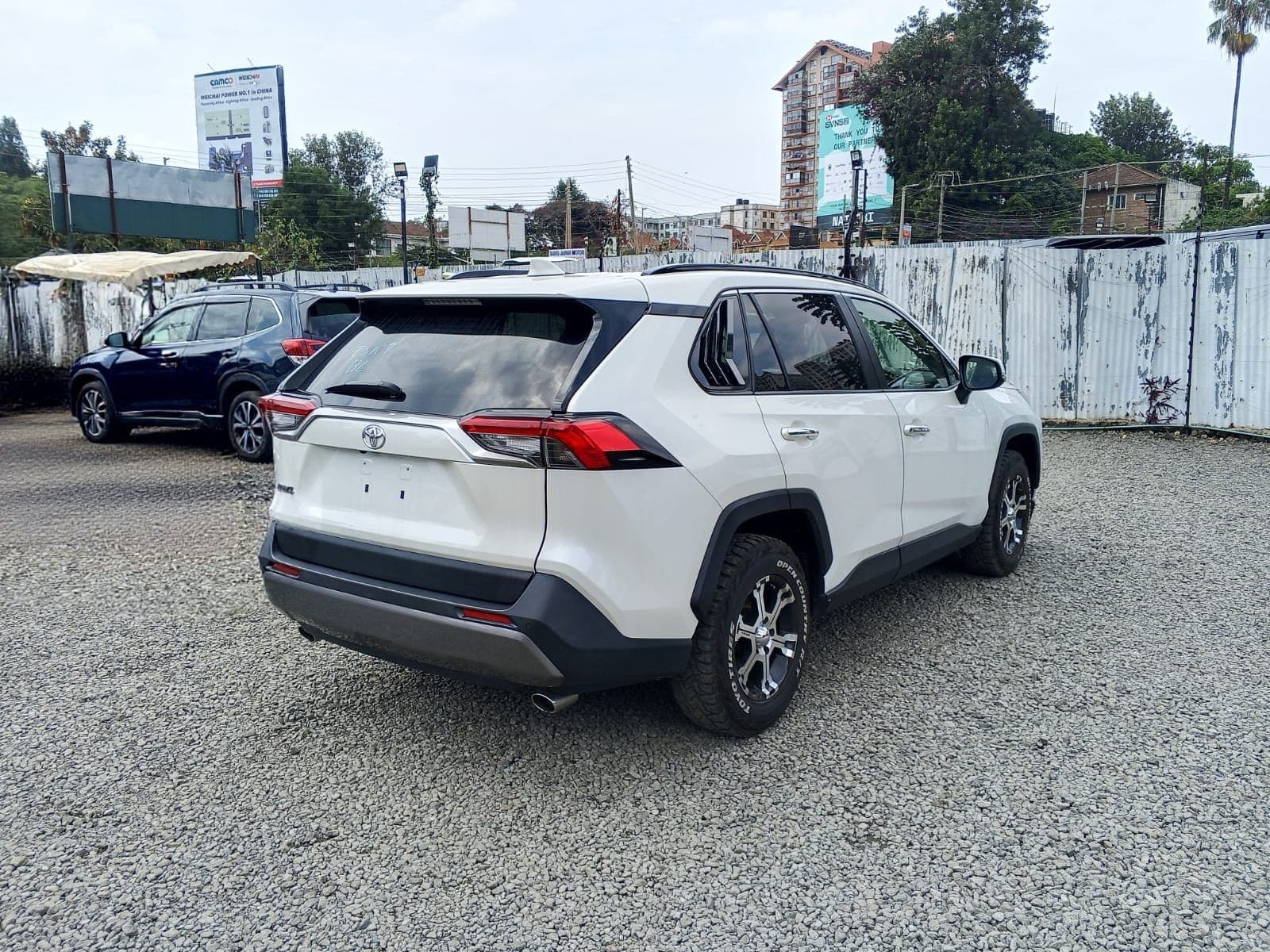
Give the car room in the source image
Start with the complete vehicle visible and leave clear space around the front, rear, roofline and wheels. Avoid tight framing, nearby cars and objects that overlap the body. This gives you a better source to work from and makes it easier to decide whether the finished image still represents the car well. Facebook can present images differently across surfaces and devices, so preview the image in your draft listing before you publish it.
Use a consistent treatment, then choose the strongest photo
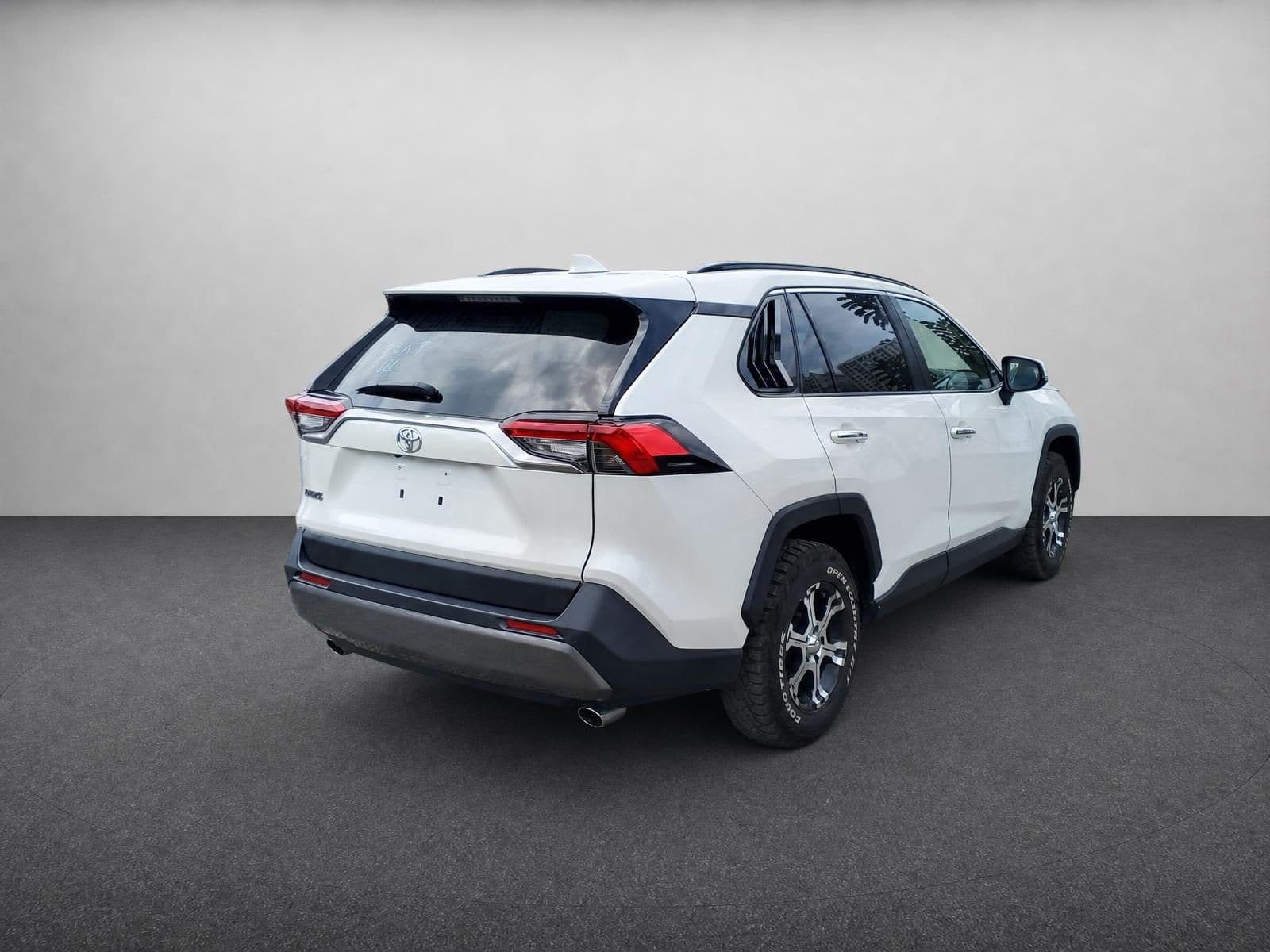
A listing can feel more considered when its exterior photos share a clean visual treatment rather than several unrelated parking-lot backgrounds. You can upload up to 10 images to AutoShot in one batch and compare the results alongside the originals. Do not assume every result will be usable: select the clearest image for the lead position, and retain additional angles that honestly show the vehicle’s condition, interior and details.
Make the final publishing decision yourself
Before posting, inspect vehicle edges, reflections, glass, badges and tyres closely. Use the plate-blur or dealer-logo options for exterior results when appropriate to your workflow, and check that the listing photo is accurate and not misleading. Facebook Marketplace’s requirements and presentation can change, so confirm its current rules at the time you publish. AutoShot is a preparation tool; it does not validate Facebook-specific formats, file limits or crop safety.
Facebook Marketplace photo tips (confirm current rules when you post)
| Photos per listing | Up to 50 (vehicle listings) |
|---|---|
| Feed crop | The thumbnail crops to a square — keep the car centred with margin |
| Accepted formats | JPG, PNG |
| Lead photo | A clean 3/4 front that still reads after a square crop |
FAQ
- Will AutoShot make a Facebook Marketplace-specific image?
- No. It prepares an image for your review. Create a draft listing and preview how Facebook Marketplace displays the image before publishing.
- How should I frame the original car photo?
- Keep the entire vehicle visible with space around it, use a sharp photo, and avoid objects that cover important areas. This gives you more options when selecting a final listing image.
- Can I reuse prepared photos on another marketplace?
- You can choose to reuse an image after reviewing it, but check each marketplace’s current rules and how its listing preview displays the photo.
- Can I blur a licence plate?
- AutoShot offers a plate-blur option and dealers can add branding to exterior results. Inspect every final image before it goes public.