Marketplace
Prepare car photos for OTOMOTO listings
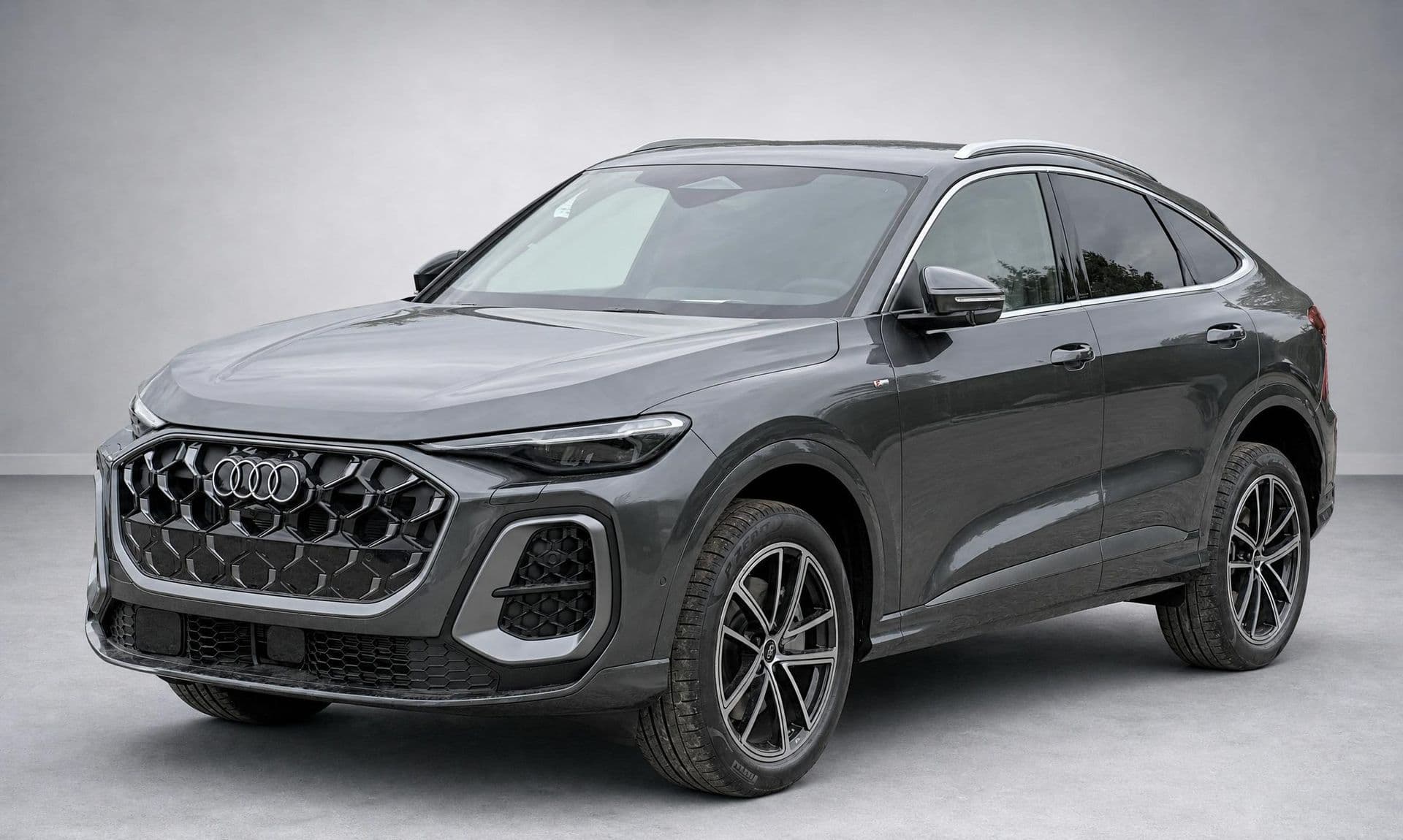
A clear first photo helps a buyer understand a car at a glance. AutoShot turns a usable exterior photo from your lot into a cleaner, more consistent studio-style image. It is a photo-preparation step before you create or update an OTOMOTO listing—not an OTOMOTO-specific uploader or export tool.
Try 10 car photos free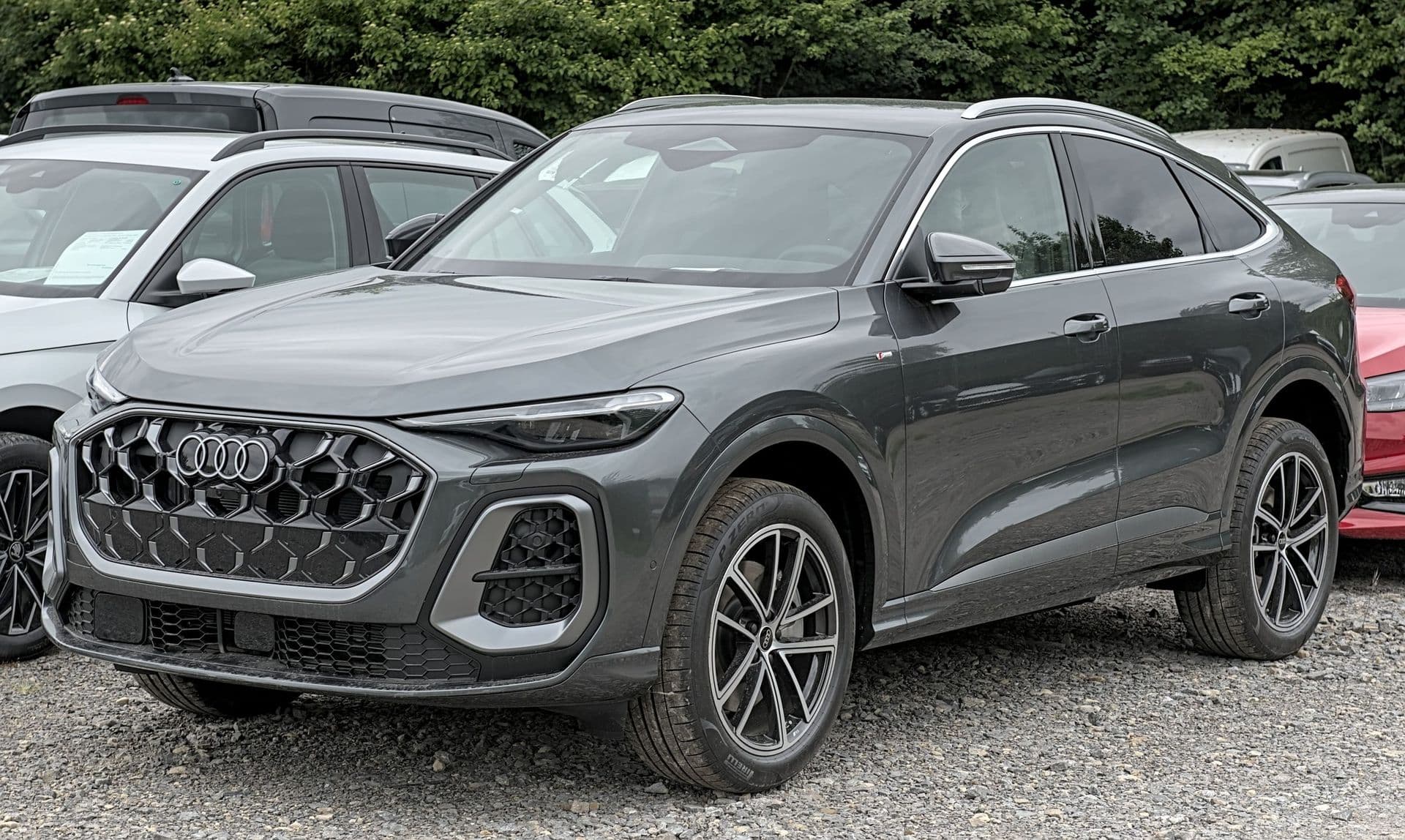
Start with a clear exterior photo
Use a sharp source image with the whole car in frame and enough space around its outline. Shoot in even light when possible, and avoid people, poles, open doors, or other cars covering important areas. A front three-quarter view is often a useful lead image because it shows the front, side and wheels together. If the source image is difficult to read, retake it rather than relying on editing to recover missing detail.
Create a consistent look across your inventory
Different weather, parking bays and shooting days can make a dealership grid feel uneven. Processing a small batch with the same background treatment gives buyers a calmer way to compare vehicles. AutoShot accepts up to 10 photos in one batch, so you can prepare exterior shots together while still choosing the strongest result for each listing. The original photo remains your reference: compare it with the result and keep only images that represent the car accurately.
Review before you upload
Generated imagery should always have a human check. Inspect edges around mirrors, wheels, glass, badges and reflections, and make sure the background treatment has not created a misleading result. AutoShot offers plate-blur and dealer-logo options for exterior results when those suit your workflow, but you remain responsible for deciding what to publish. Check OTOMOTO’s current image, format and listing requirements at upload time; AutoShot does not currently create an OTOMOTO-specific file or validate a listing for the platform.
OTOMOTO’s own photo guidance (check current rules at upload)
| Photos per listing | Up to 40 |
|---|---|
| Max file size | 5 MB per photo |
| Accepted formats | JPG, PNG, GIF |
| Recommended ratio | 4:3 landscape; 3:2 (e.g. 1080×720) also accepted |
| Recommended resolution | ≈1200 × 900 px (4:3) or larger |
| Lead photo | The first image is the thumbnail — a clean 3/4 front works well |
FAQ
- Does AutoShot create an OTOMOTO-specific export?
- No. AutoShot prepares an image for you to review. Check OTOMOTO’s current upload requirements when you add the image to a listing.
- What makes a good source photo?
- Use a sharp exterior photo with the complete vehicle visible, clear separation from nearby objects and as little obstruction as possible. Good source photos make it easier to assess the result accurately.
- Can I prepare several listing photos together?
- Yes. You can upload up to 10 photos in one batch. Review every generated image individually and choose the ones that best represent the vehicle.
- Can I hide a licence plate?
- AutoShot offers a plate-blur option and dealers can add branding to exterior results. Review the final image and decide what is appropriate for your listing and local obligations.